
Bitwarden Password Manager
Bitwarden Inc.
Downloads
5,000,000+
Source
Google Play
Click to download now, finish the installation quickly, and directly unlock the all-round experience
Screenshots
Click to download now, finish the installation quickly, and directly unlock the all-round experience
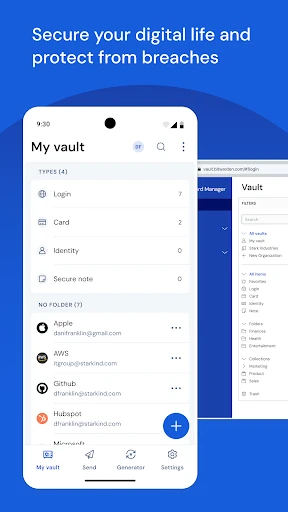
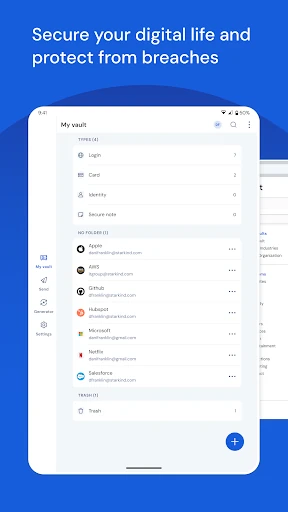
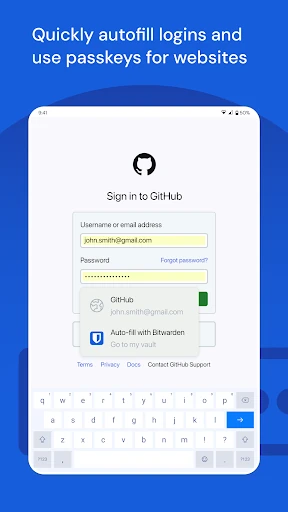
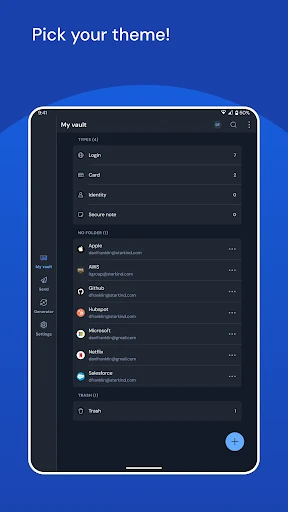
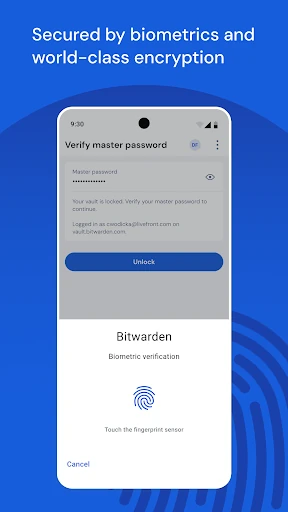
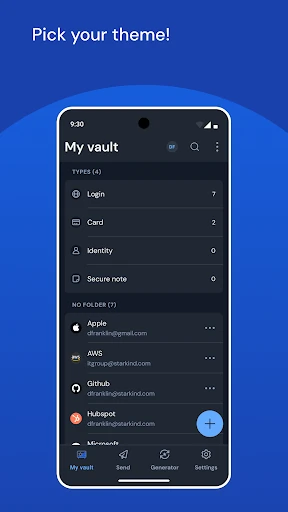
When passwords are scattered across notes, browsers and memory, signing in becomes a small but repeated chore. Bitwarden Password Manager gives you a vault for saving and finding logins, then helps fill them in when you return to a site or app. It suits people who use multiple accounts and want their credentials available on more than one device.
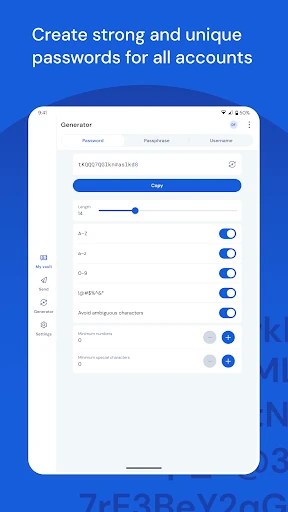
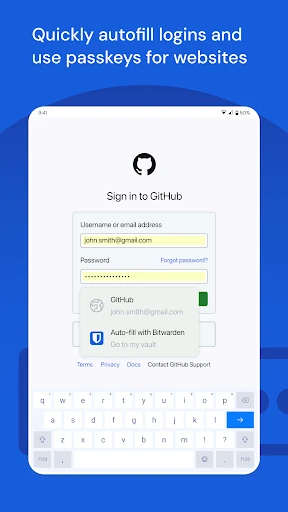
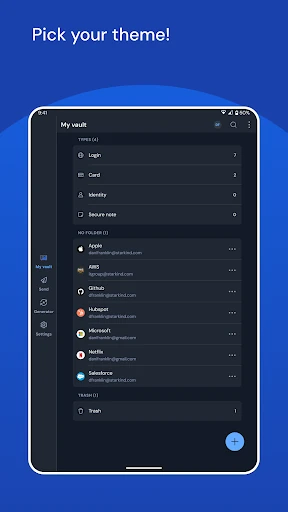
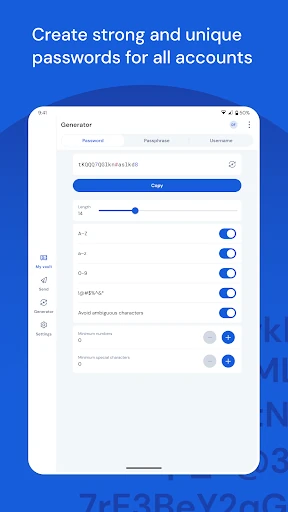
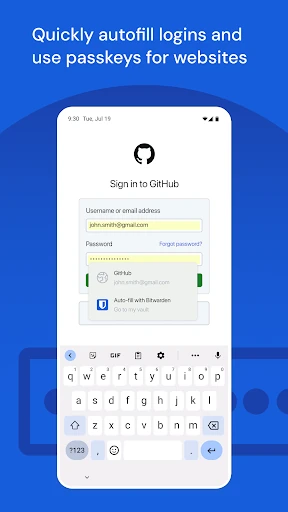
Getting useful results does not require moving every login at once. Add a few regular accounts to the vault, then use Bitwarden’s autofill options as you sign in. Over time, you can add other credentials and keep them together instead of relying on the same password everywhere. The interface is practical rather than decorative: the main job is locating a saved login and using it.
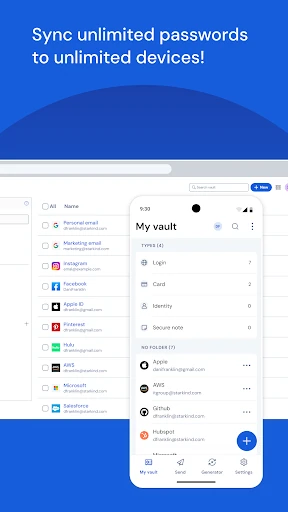
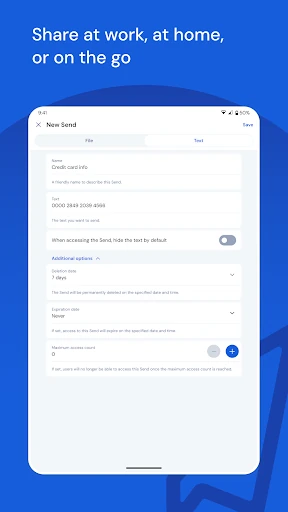
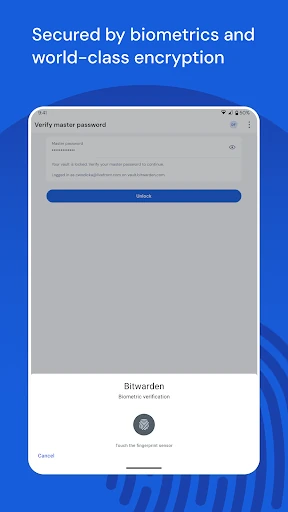
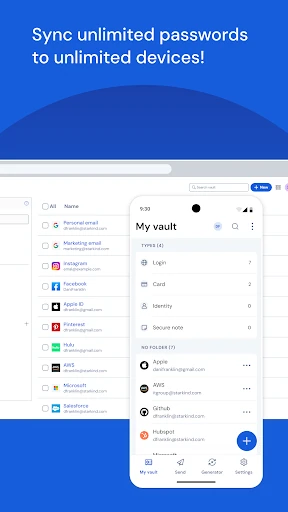
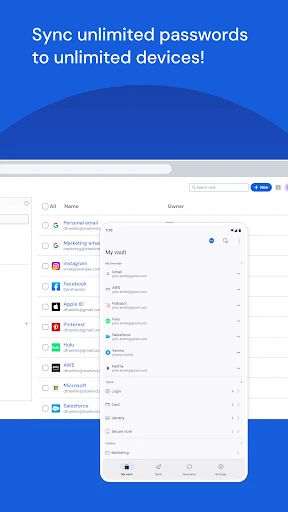
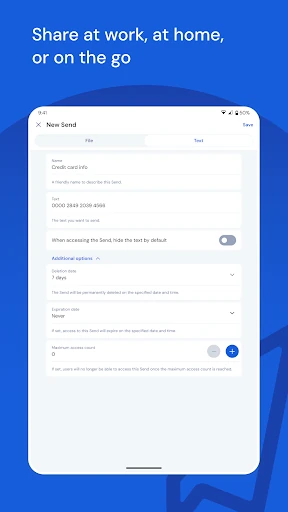
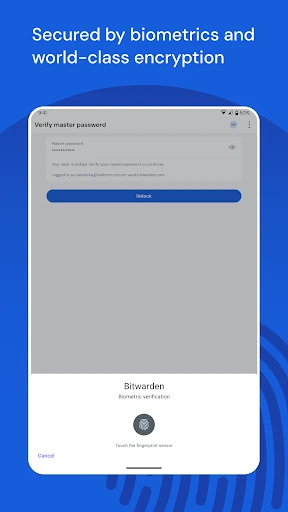
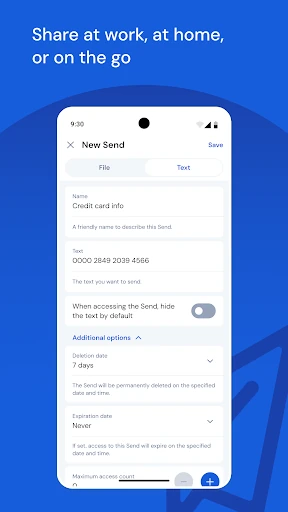
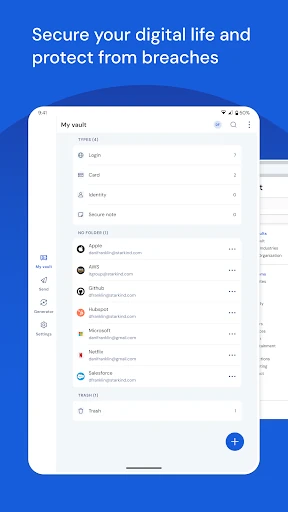
Bitwarden supports syncing a vault across devices, so a password saved on one can be reached from another. It also includes encrypted sharing for sending sensitive information. Its open-source code and independent security audits may matter to people who want more visibility into the tool holding their credentials.
This is a good fit if you manage many logins, switch between devices, or want a dedicated vault rather than keeping passwords in your head. It may feel like extra setup if you only use a handful of accounts on one device; a browser’s built-in password storage could be enough for that simpler routine.
Bitwarden is published by Bitwarden Inc. and is listed in Productivity. Its 4.76-star rating across 132,489 ratings and 5,000,000+ installs suggest broad use, though those figures cannot tell you whether its workflow will suit you.